How to Download Your PDF
Follow the official process step by step, download your original PDF and then use CardPrint.co.in to get it professionally printed.
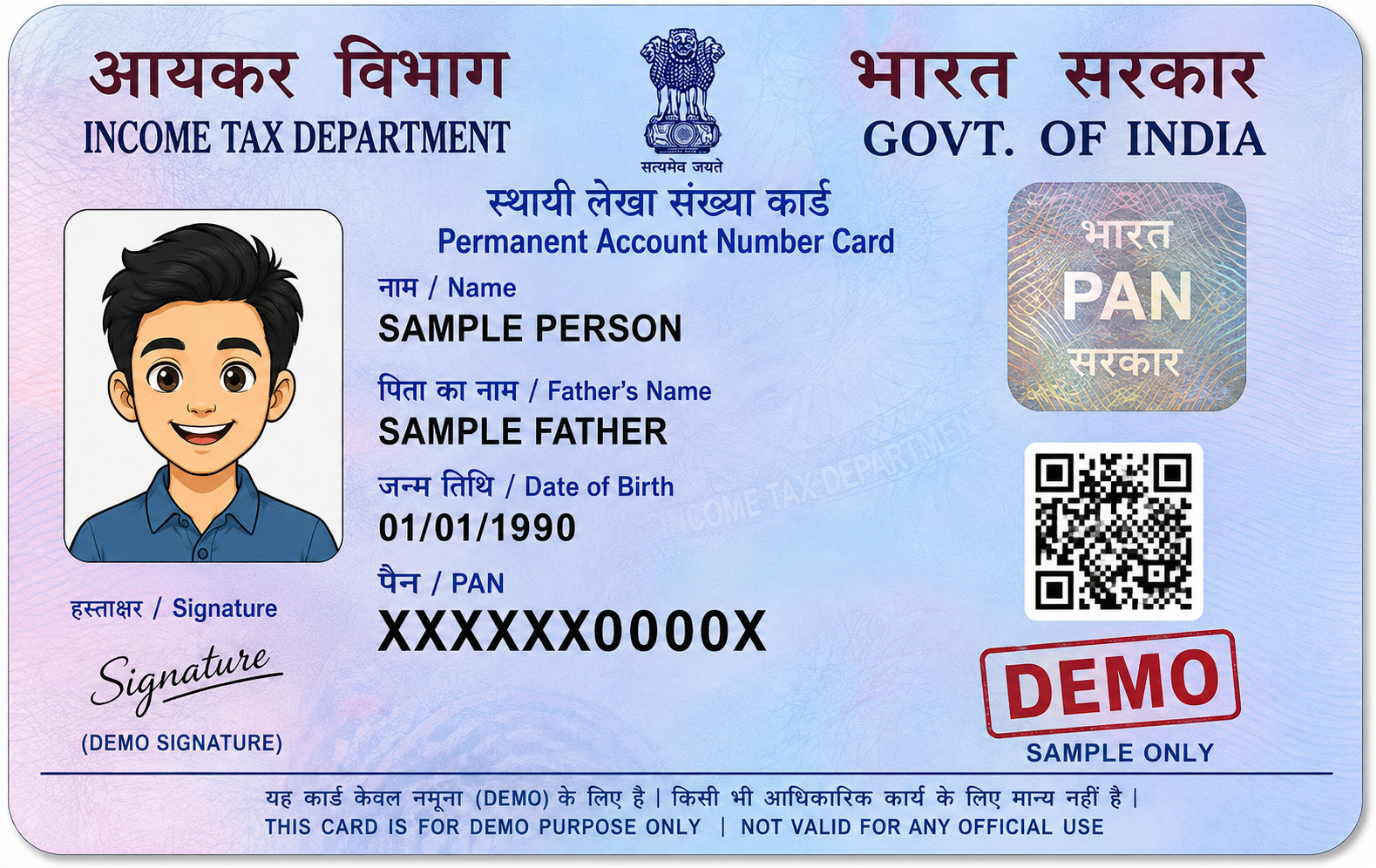
PAN Card
Download your available e-PAN PDF through the official Income Tax Department system.
Start Here
Always obtain your document from the official government portal. Click the relevant button below.
🔗 Open Official Income Tax PortalVisit the Official Income Tax Portal
Open the official Income Tax Department e-Filing portal using the button above.
Find the e-PAN Service
Look for the e-PAN / Instant e-PAN related service available on the official portal.
Check Your e-PAN Availability
If you have already applied for or generated an e-PAN, use the appropriate official status/download option shown by the portal.
Complete the Required Verification
Follow the verification process displayed by the Income Tax Department. Depending on the service used, Aadhaar and registered mobile OTP verification may be required.
Download the e-PAN PDF
When your e-PAN is available, use the official View / Download e-PAN option and save the PDF.
If You Already Received the e-PAN by Email
If your e-PAN PDF was already sent to your registered email/mobile service, you may also download the original PDF from that official communication.
Keep the Original PDF
Do not edit or modify the e-PAN PDF before uploading it to CardPrint.
Your PDF is Ready? 🎉
Great! Now turn your digital document into a professionally printed card and get it delivered across West Bengal.
PRINT MY PAN CARD →