How to Download Your PDF
Follow the official process step by step, download your original PDF and then use CardPrint.co.in to get it professionally printed.
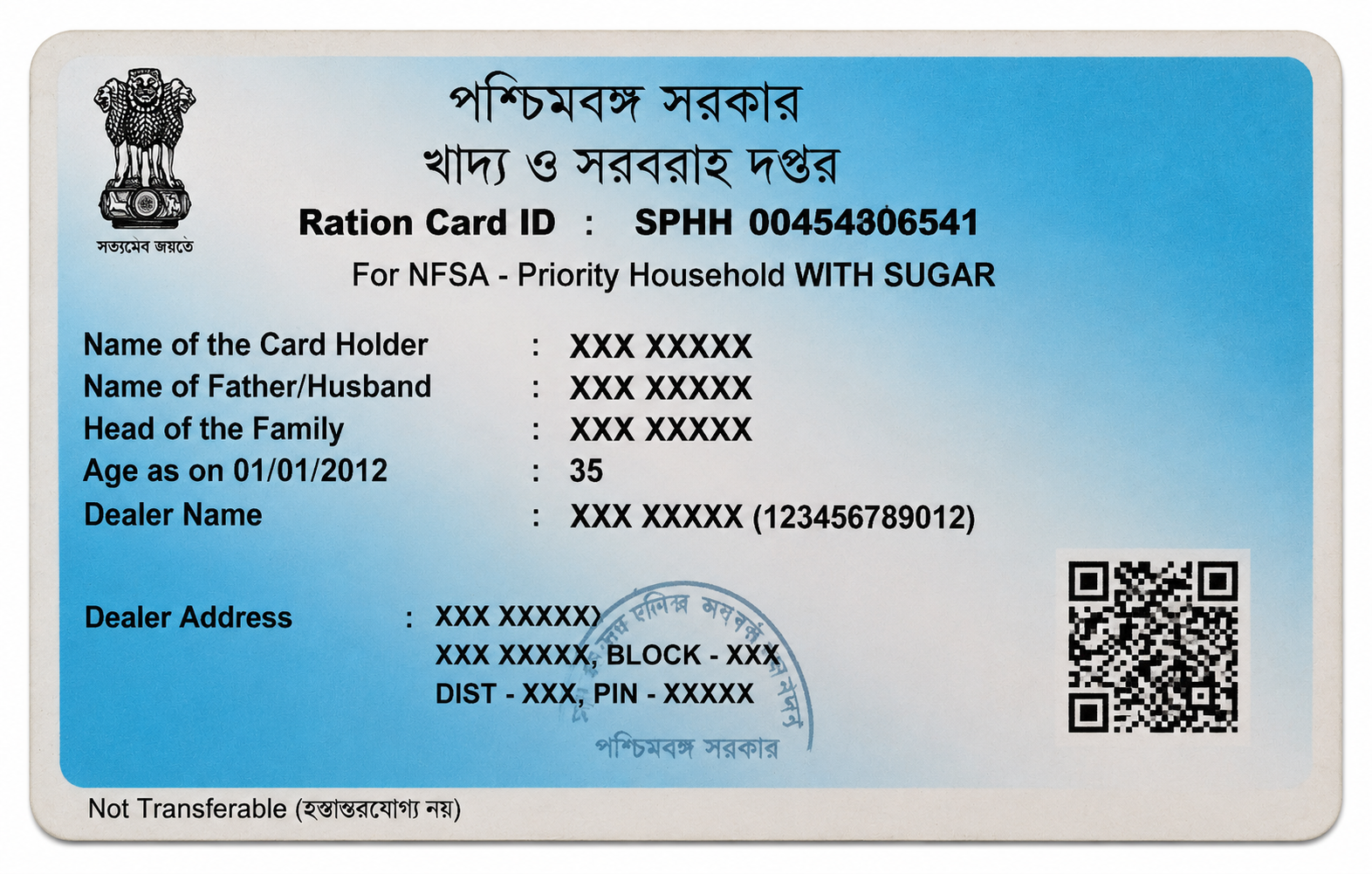
West Bengal Ration Card
Download your West Bengal e-Ration Card PDF directly from the official Food & Supplies Department portal.
Start Here
Always obtain your document from the official government portal. Click the relevant button below.
🔗 Open Official Ration Card Download PageVisit the Official West Bengal Ration Card Page
Click the blue button above to open the official West Bengal Food & Supplies Department e-Card Download page.
Enter Your Ration Card Number
Enter the required Ration Card Number and complete the captcha shown on the page.
View Your Family Ration Cards
After successful verification, the portal will show the ration card numbers of the members/family associated with the card.
Get OTP
Choose any eligible family member whose Aadhaar is linked with the ration card and use the Get OTP option.
Verify the Mobile Number
Enter the OTP received on the Aadhaar-linked mobile number. After successful verification, the mobile number or numbers linked with the family ration card will be displayed for confirmation.
Confirm and View Family Members
Confirm the displayed mobile information. The portal will then show the Aadhaar-linked family members associated with the ration card.
Download the Required Ration Card
A Download option will appear beside the eligible family members. Click the Download button for the member whose ration card PDF you need.
Save the Original PDF
Save the downloaded e-Ration Card PDF on your phone or computer. Do not edit or modify the file before uploading it to CardPrint.
Your PDF is Ready? 🎉
Great! Now turn your digital document into a professionally printed card and get it delivered across West Bengal.
PRINT MY WEST BENGAL RATION CARD →