How to Download Your PDF
Follow the official process step by step, download your original PDF and then use CardPrint.co.in to get it professionally printed.
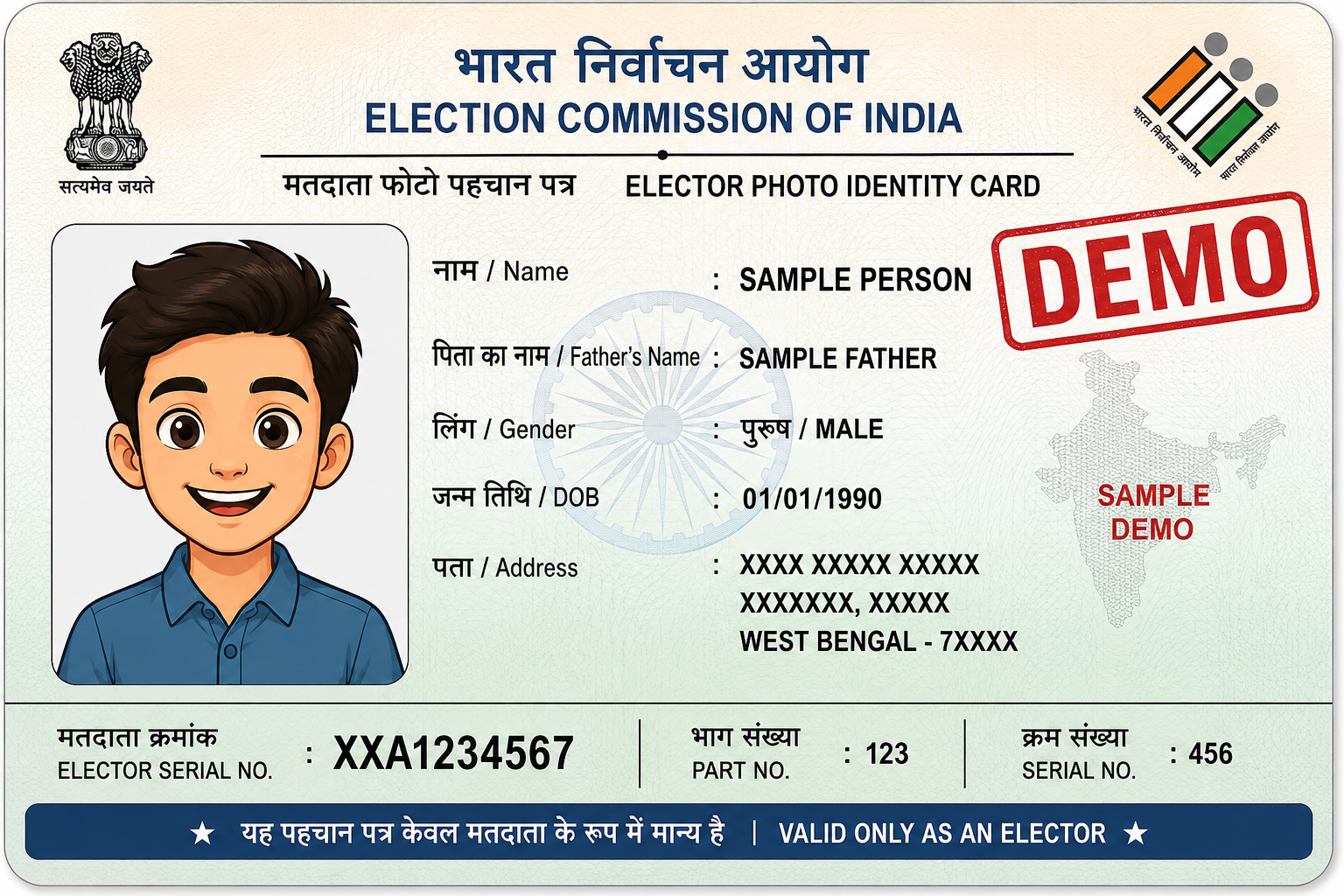
Voter ID / e-EPIC
Download your digital Voter ID directly from the official Election Commission of India portal.
Start Here
Always obtain your document from the official government portal. Click the relevant button below.
🔗 Open Official ECI e-EPIC Download PageVisit the Official Election Commission Portal
Open the official Election Commission of India Voters Service Portal using the button above.
Login to the Voters Service Portal
Use your registered mobile number and OTP to log in.
If Your Mobile Number Is Not Registered
If you do not already have an account, complete the fresh registration process on the official ECI portal and then log in.
Open e-EPIC Download
After login, open the official e-EPIC Download service.
Enter Your Voter / EPIC Number
Enter your Voter ID / EPIC number in the required field.
Select West Bengal
Select West Bengal as the State and continue with the verification process.
Verify Your Voter Record
Complete the verification shown by the official portal. The portal will confirm the availability of the mobile number linked with the voter record.
Verify OTP
Request the OTP and enter the OTP received on the registered mobile number.
Download Your e-EPIC
After successful OTP verification, use the Download option to save your digital Voter ID / e-EPIC PDF.
Your PDF is Ready? 🎉
Great! Now turn your digital document into a professionally printed card and get it delivered across West Bengal.
PRINT MY VOTER ID / E-EPIC →